Background
Visitors are overwhelmed by MoMA’s scale, and aren’t sure where to start.
Upon reopening in 2020, MoMA’s digital product team released an MVP digital visitor guide (or DVG), meant to replace onsite resources like paper maps, rentable audio devices, and volunteer guides. Over one million visitors use the DVG each year, and wayfinding is reported as our visitors’ biggest challenge.
The original DVG map was a link to a PDF. Unsurprisingly, our users found this difficult to read and navigate on their phones. The graphic design team also found it tedious to update, and visitor engagement still had to field hundreds of questions a day. We had the data users were looking for, like artwork locations and whether an exhibition is on view, but it wasn’t centralized for the onsite visitor.
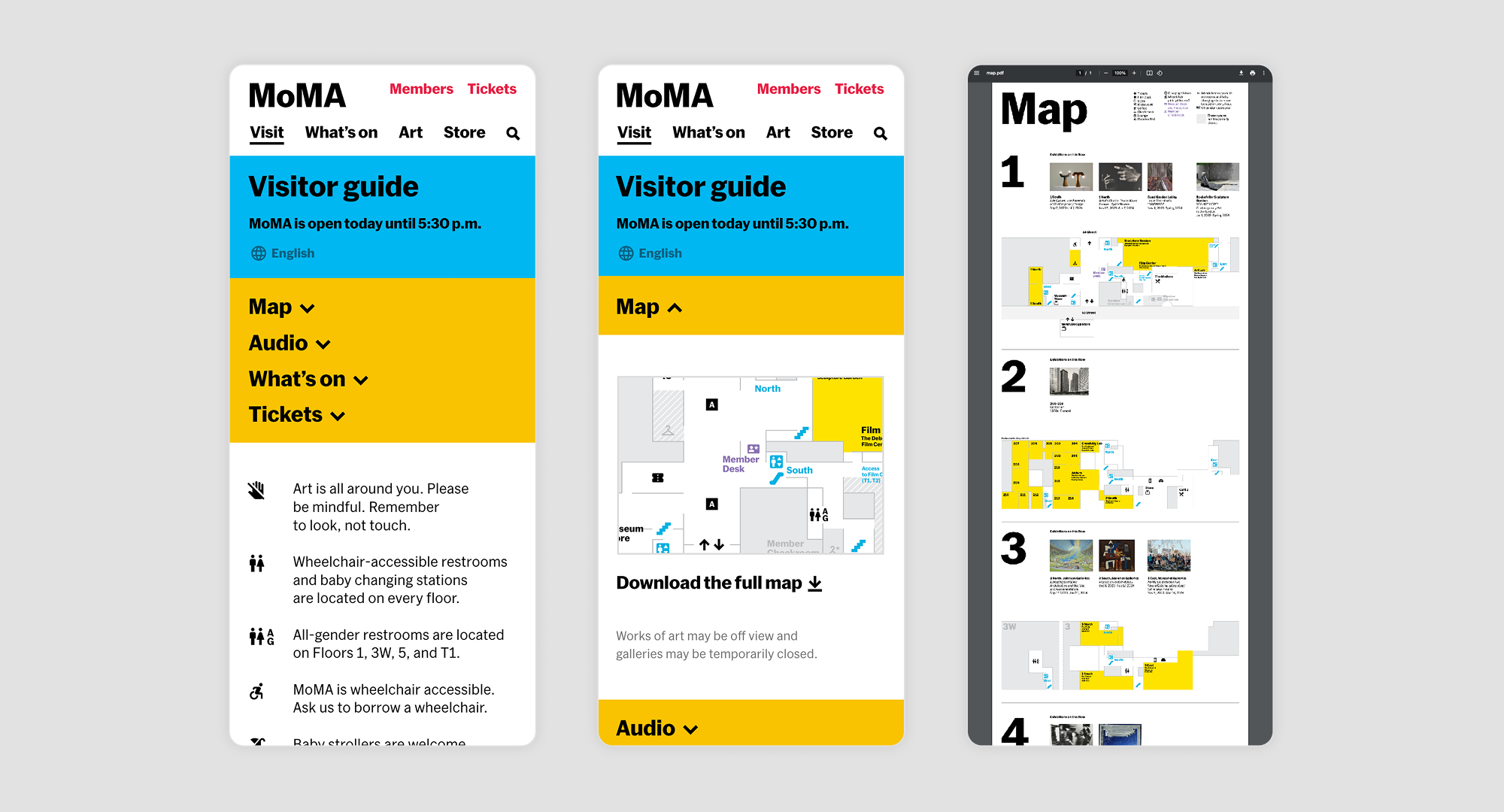
MoMA's digital PDF map in 2023
My role
I collaborated with another designer on research and initial wireframing for the new map, and led high fidelity design. Along with our UX research fellow, we ran in-person usability testing, and I worked closely with our developer to perform visual QA and perfect the interactions.
Approach
Create an interactive map to serve our visitors’ distinct needs, while minimizing the demands on our staff
MoMA’s visitors typically fall into two groups—those visiting for the first time, and New Yorkers or members who have visited before. First-timers are typically tourists who want to see the whole museum, and consider MoMA to be a landmark. Repeat visitors are often drawn to visit by a specific exhibition or artwork. An image-forward directory with a more modern map would be essential in serving both of these groups.
moma.org runs on our internal CMS and the collection database TMS, meaning internal teams only need to update one entry in order to populate the exhibition page, homepage, and onsite screens. Why couldn’t the visitor guide also run on this data? This ensures that on view data for exhibitions and artworks, as well as their locations, exhibition run dates, locations are always up to date.
A common pattern is for users to search for artworks and artists using our global site search. Previously, artworks that were on view weren't given priority placement. On artist pages, we pushed artworks that were on view to the top of the list, and on artworks pages, we linked out to the gallery where the artwork was located. This made it much easier for visitors to use our site to find specific artworks and artist they wanted to see.
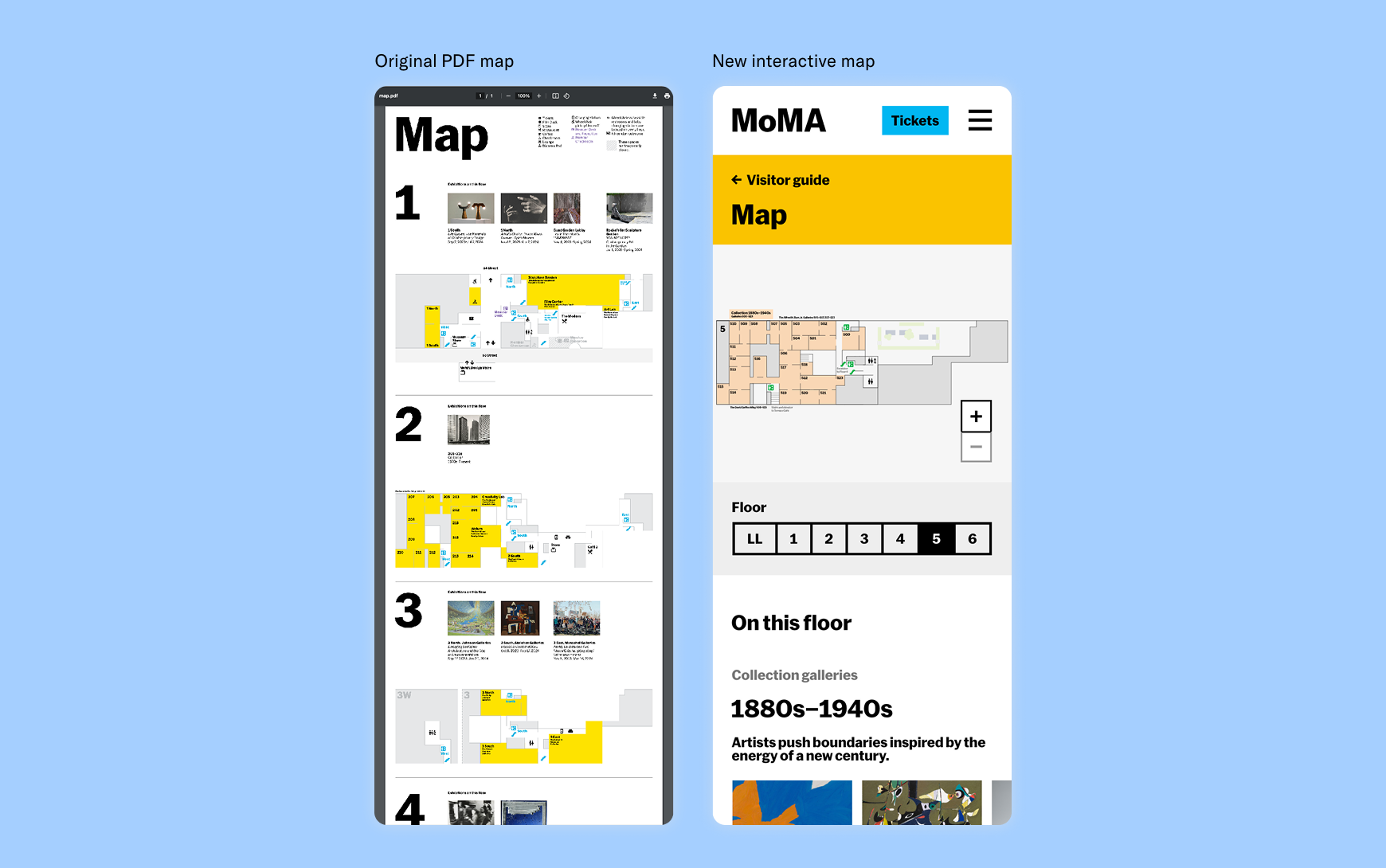
The interactive map allowed visitors to easily select floors rather than scrolling through a PDF. Visitors could tap on the map to explore exhibitions, or discover them in the “On this floor” listings.
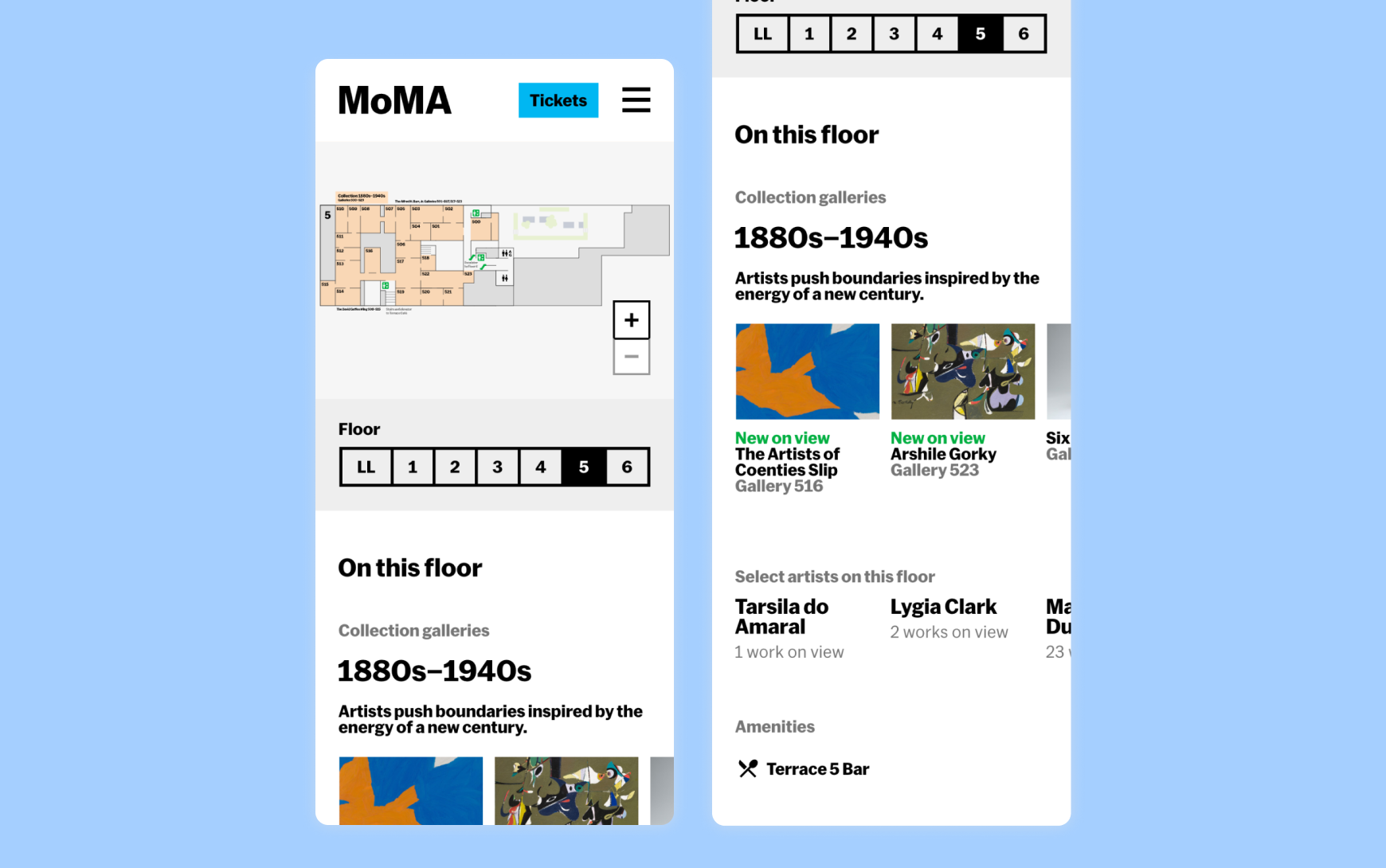
We had artwork locations and exhibition details in our CMS already, but it wasn’t centralized in one place online for the onsite visitor. The “On this floor” section centralized this information alongside an interactive map.
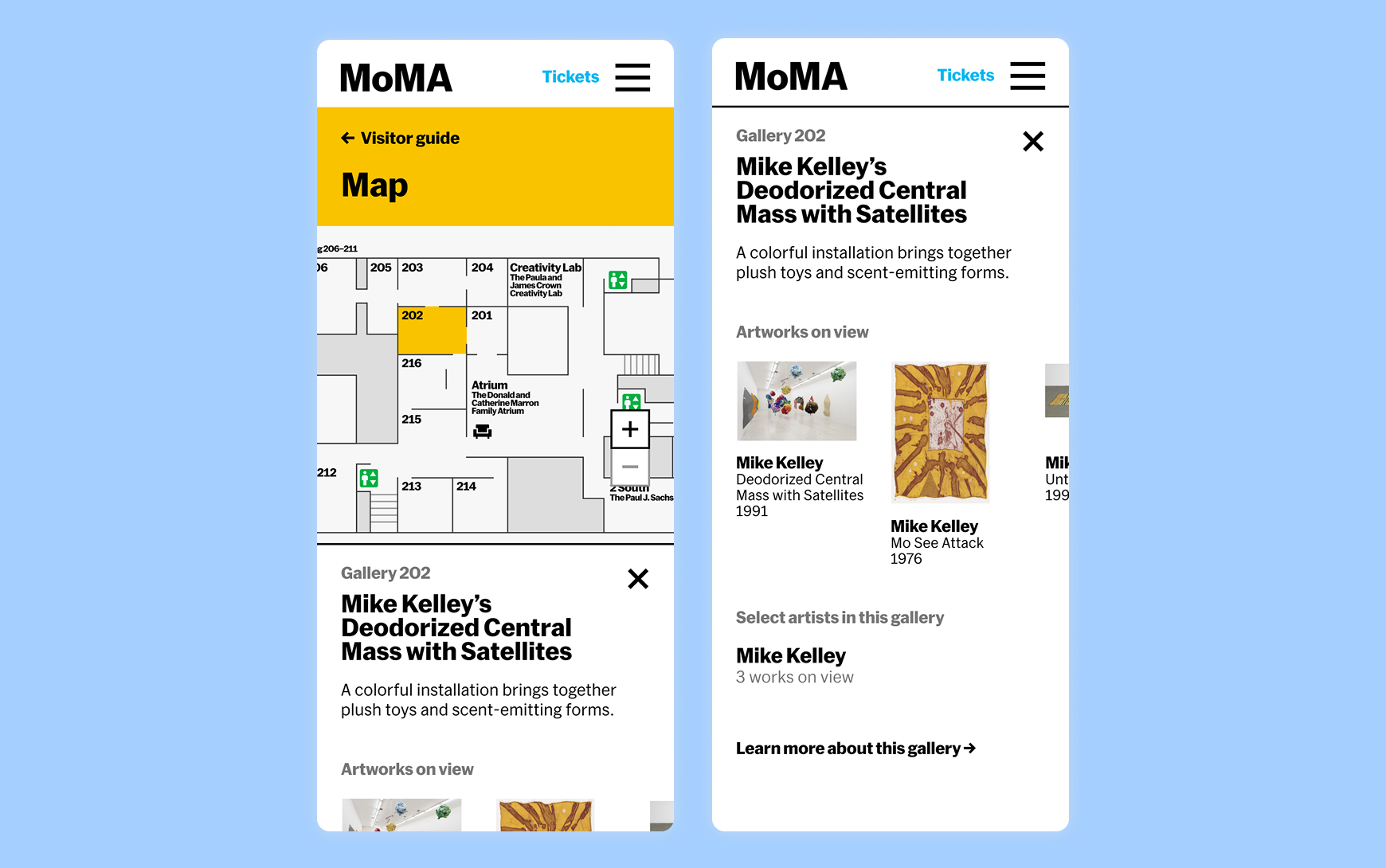
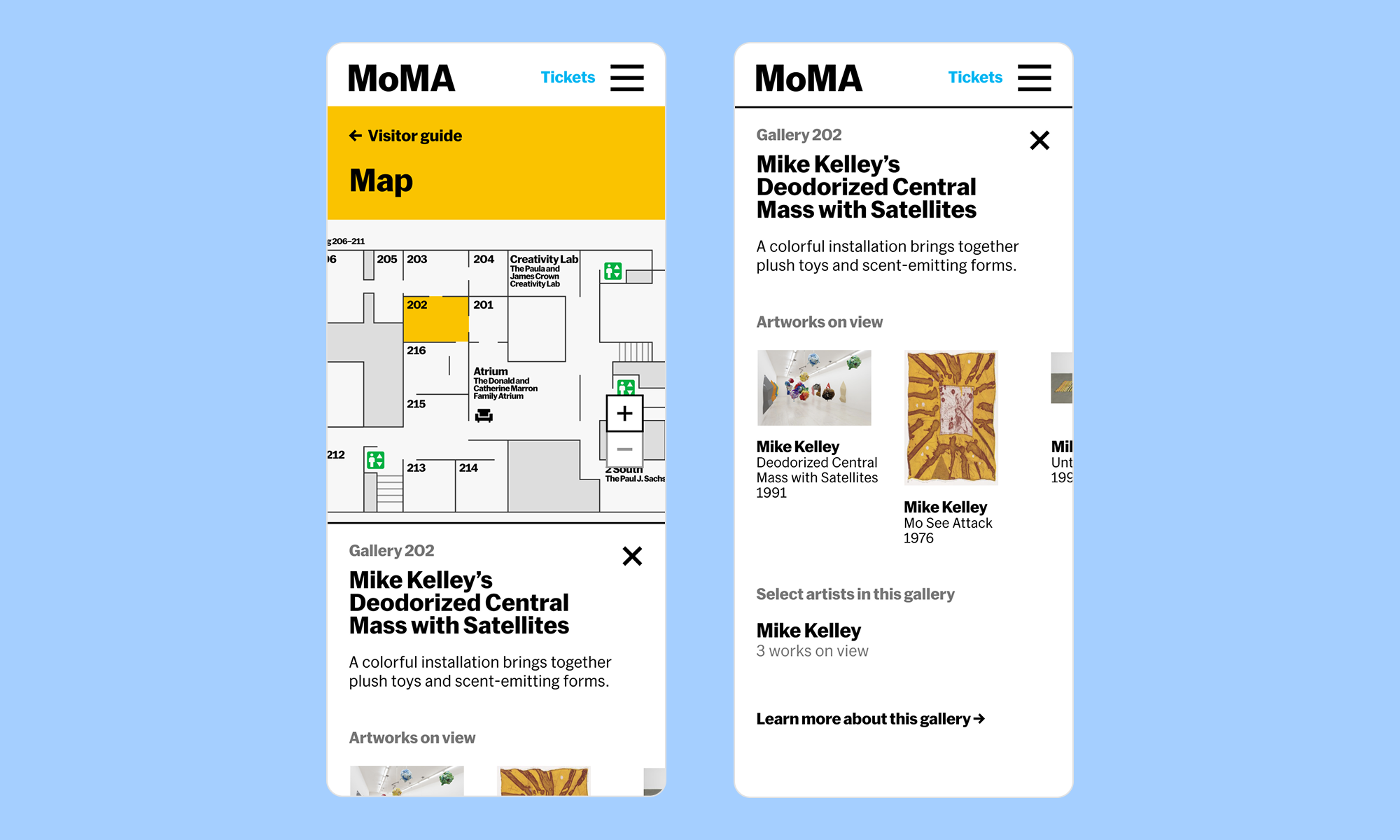
In our old guide, galleries were often represented by one image—if a visitor didn’t resonate with that image, they were less likely to engage. The overlay for each gallery gave visitors more artworks and artists to explore.
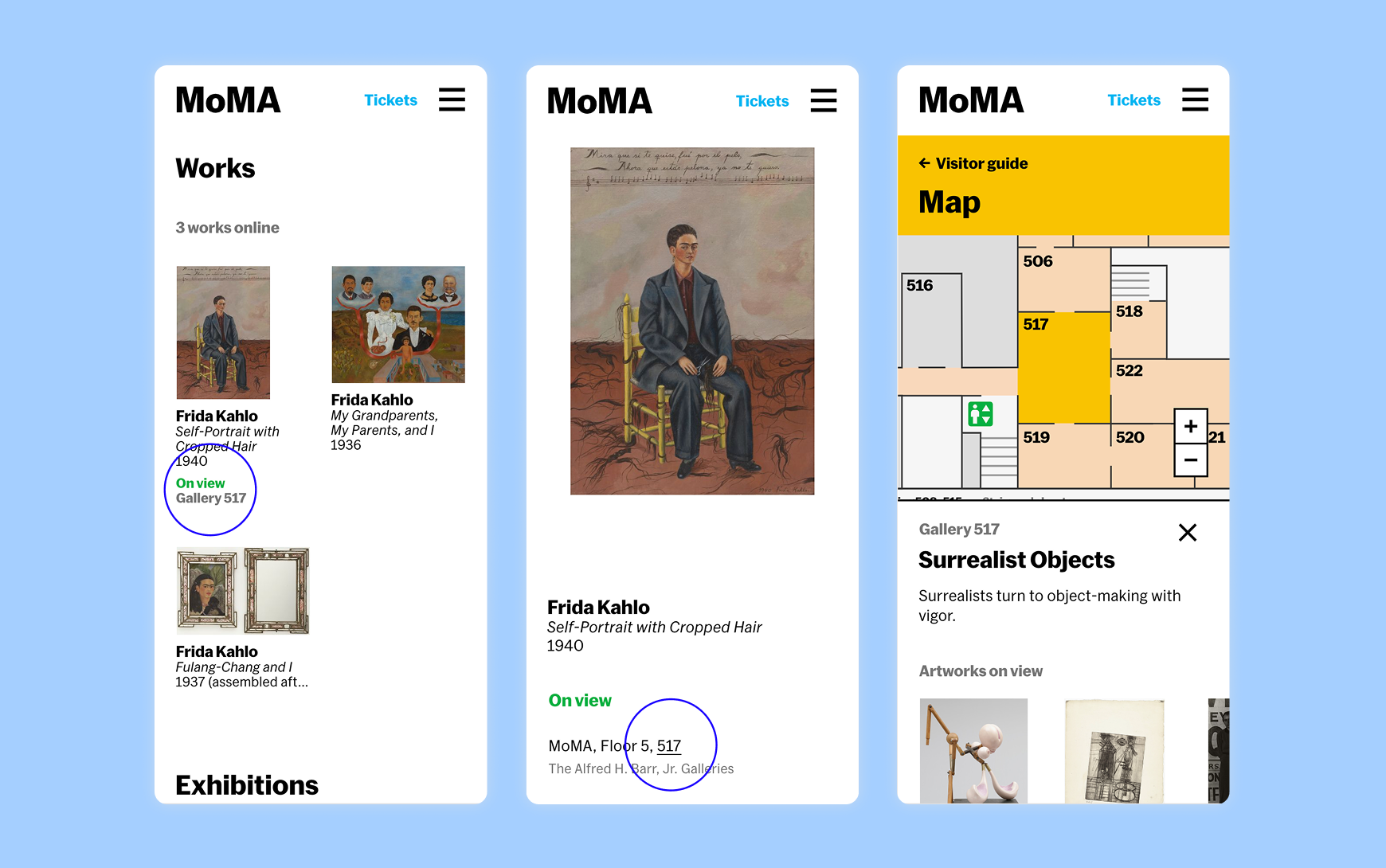
Throughout the site and search listings, we prioritized artworks that are on view, and linked locations of galleries, exhibitions, and artworks to the map.
Outcomes
Our updates resulted in much higher engagement with the map and other moma.org content.
Following our updates, the average DVG user session duration increased from 12 to 28 seconds (2.3x). Our lobby staff has reported that the map integration with the rest of the site has empowered users to find artworks themselves, rather than asking staff.
Visitors are also engaging more with the rest of moma.org. We also saw traffic increase to our Artwork, Exhibition, and Collection gallery pages.
Team
Madhav Tankha (assistant director of UX), Terrance Rose (software developer), Debora Domass (product manager), Tharani Prabu (research fellow)
More projects
-
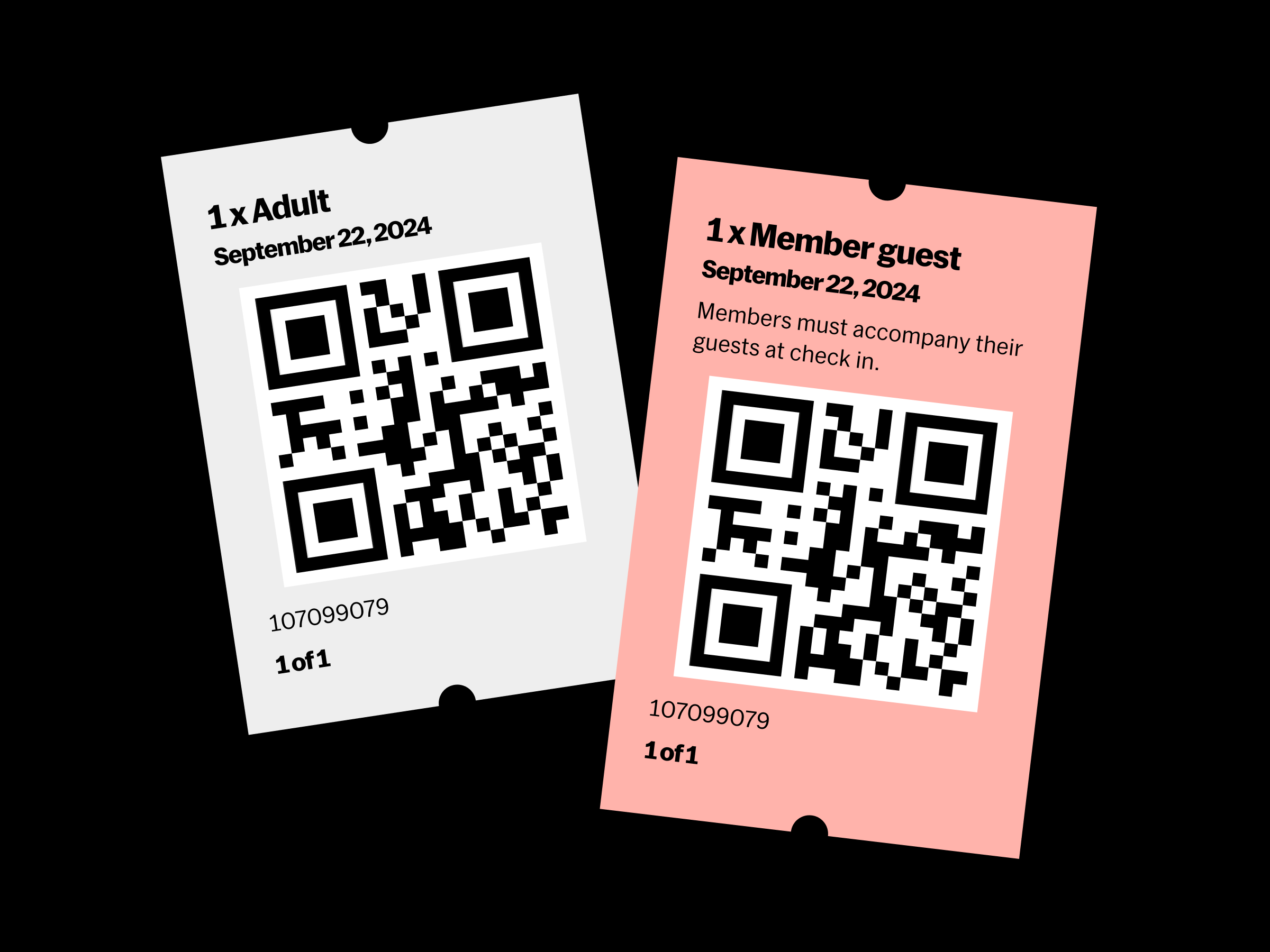 MoMA's Online Ticketing
Streamlining the ticket-buying process and cutting time to purchase in half
-
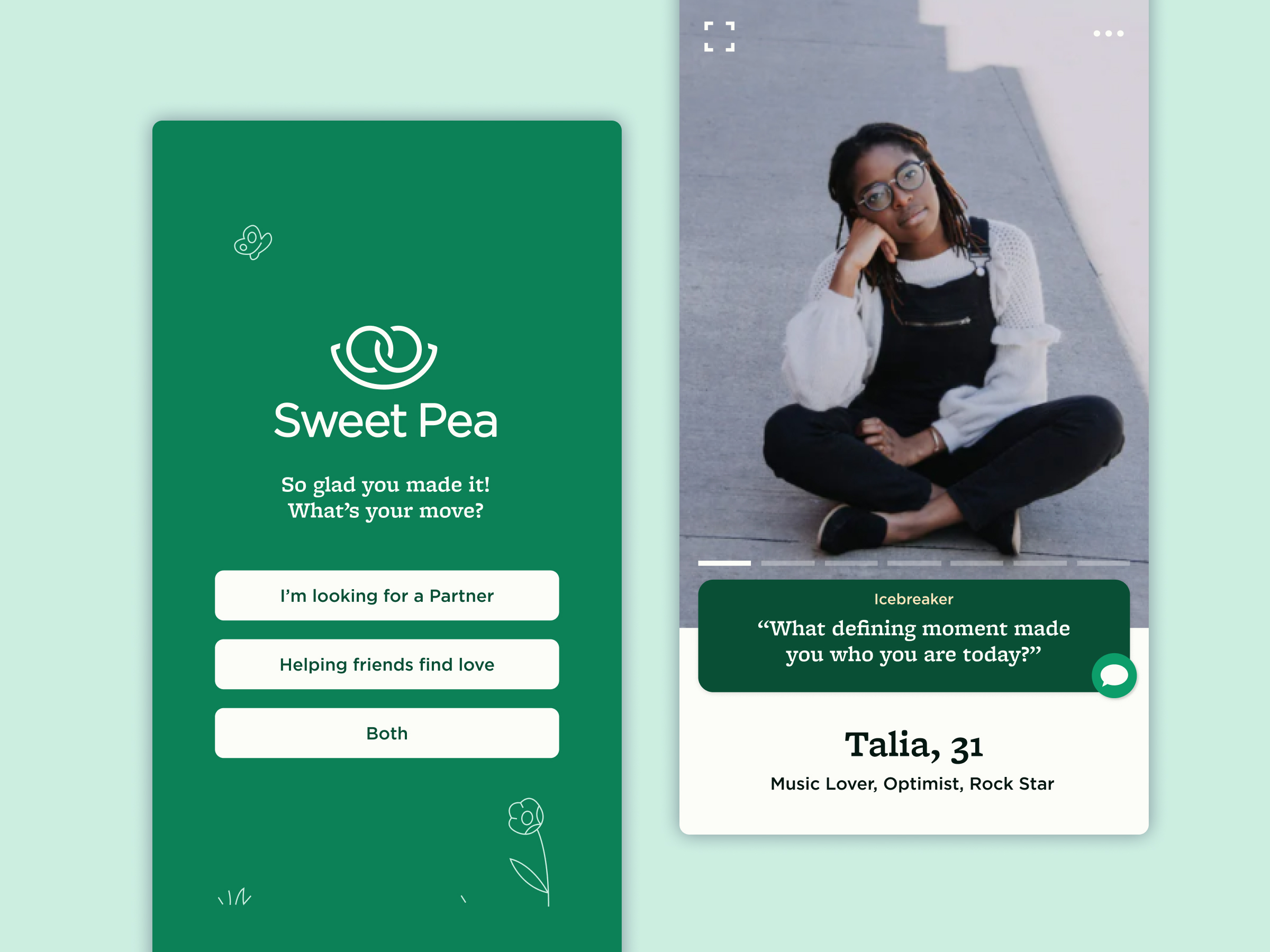 Sweet Pea brand & dating app
A dating app that recruits your friends to play wingman